
Sync Your Notion Content to WordPress. Automatically.
Publish and sync Notion pages to WordPress posts and pages. Connect your Notion workspace, no manual copy-paste needed.
One Workspace. All Content.
A structured content sync workspace inside WordPress: Notion integration, automated publishing, and collaborative workflows for teams.
All Your Content. One Interface.
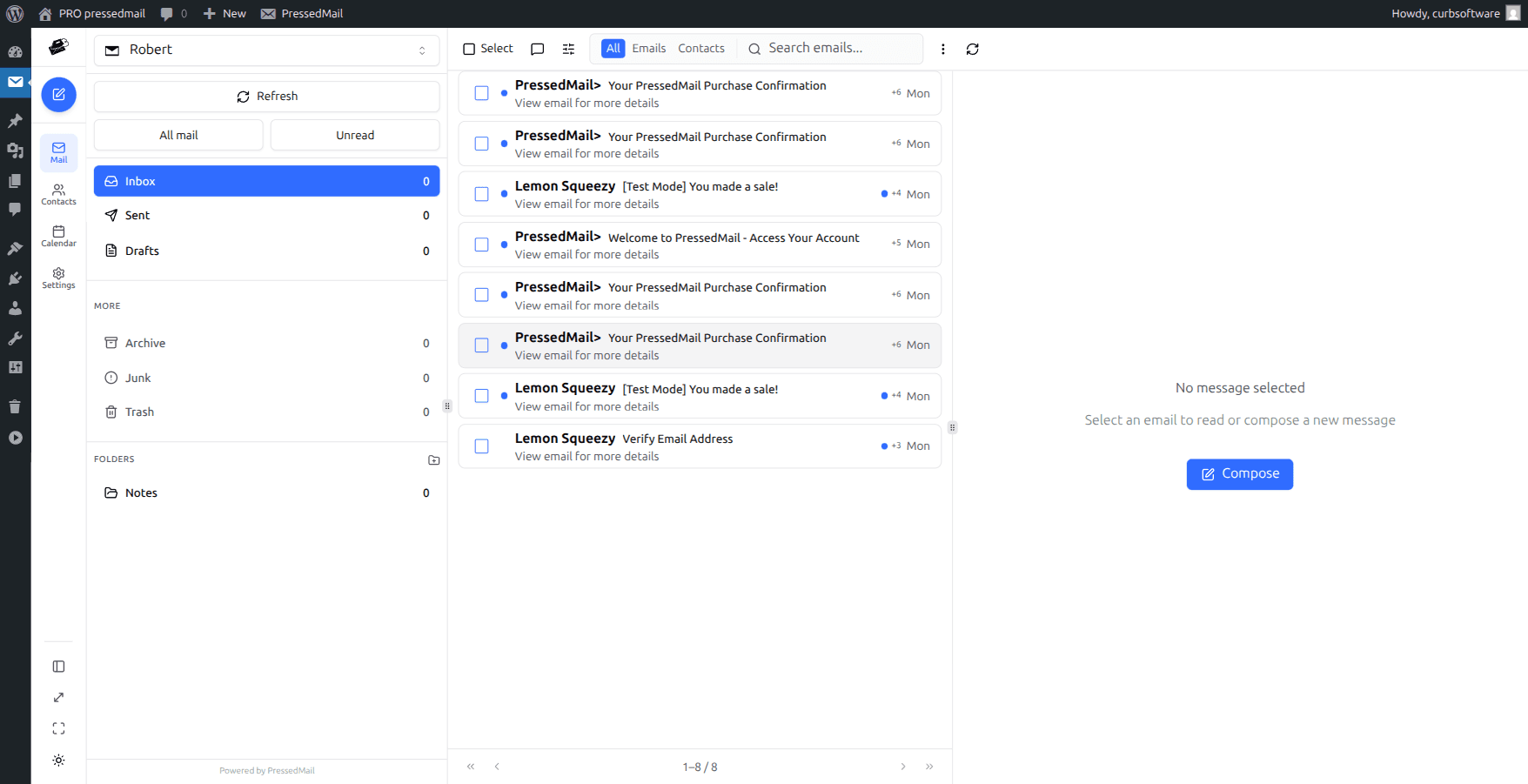
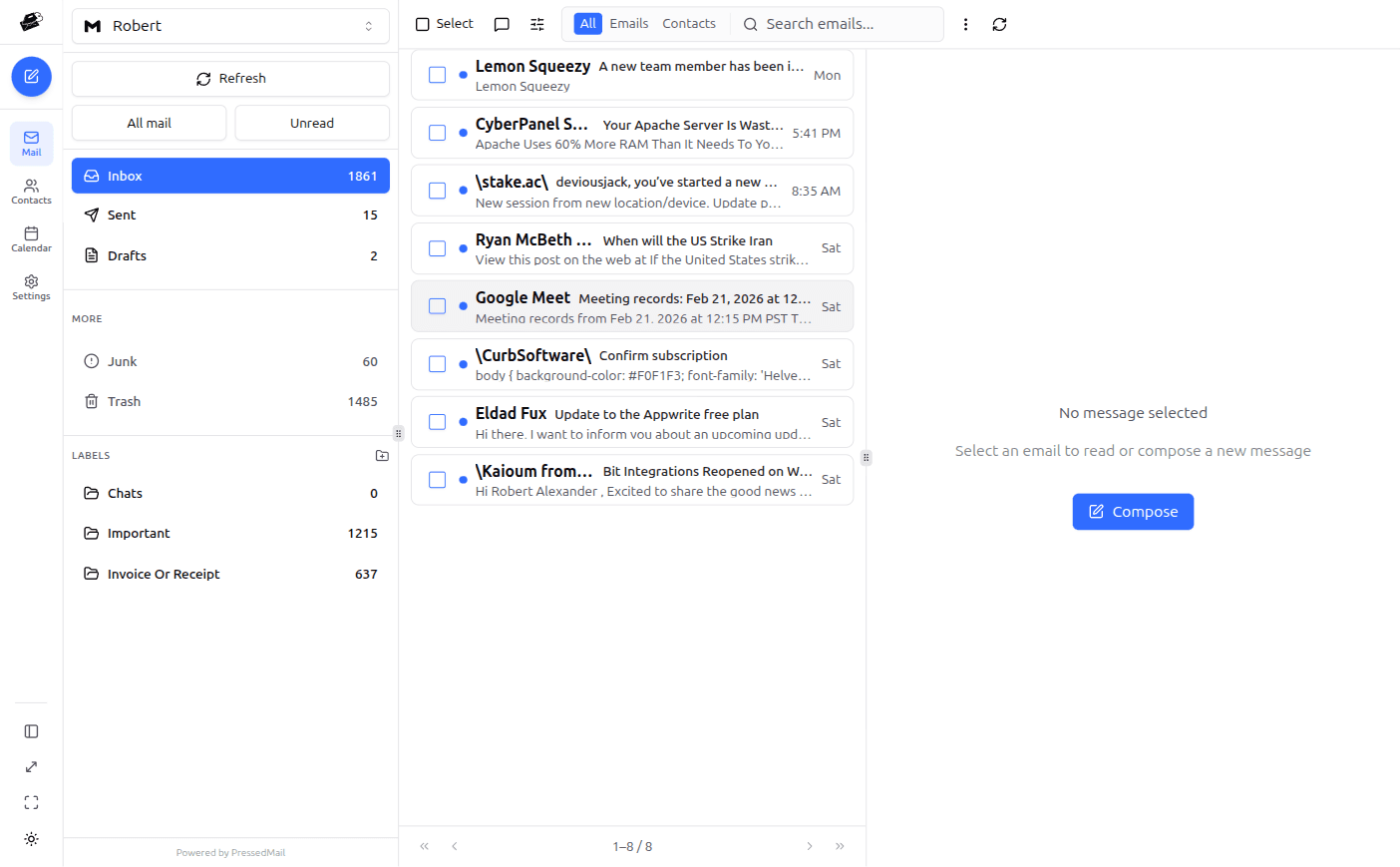
Connect Notion workspaces and databases into one operational WordPress dashboard.
Real-Time Sync.
Content is synced directly from Notion with formatting preserved and media handled automatically.
Built for Teams.
Multi-user publishing workflows with role-based access and team coordination.
A True Content Sync Dashboard
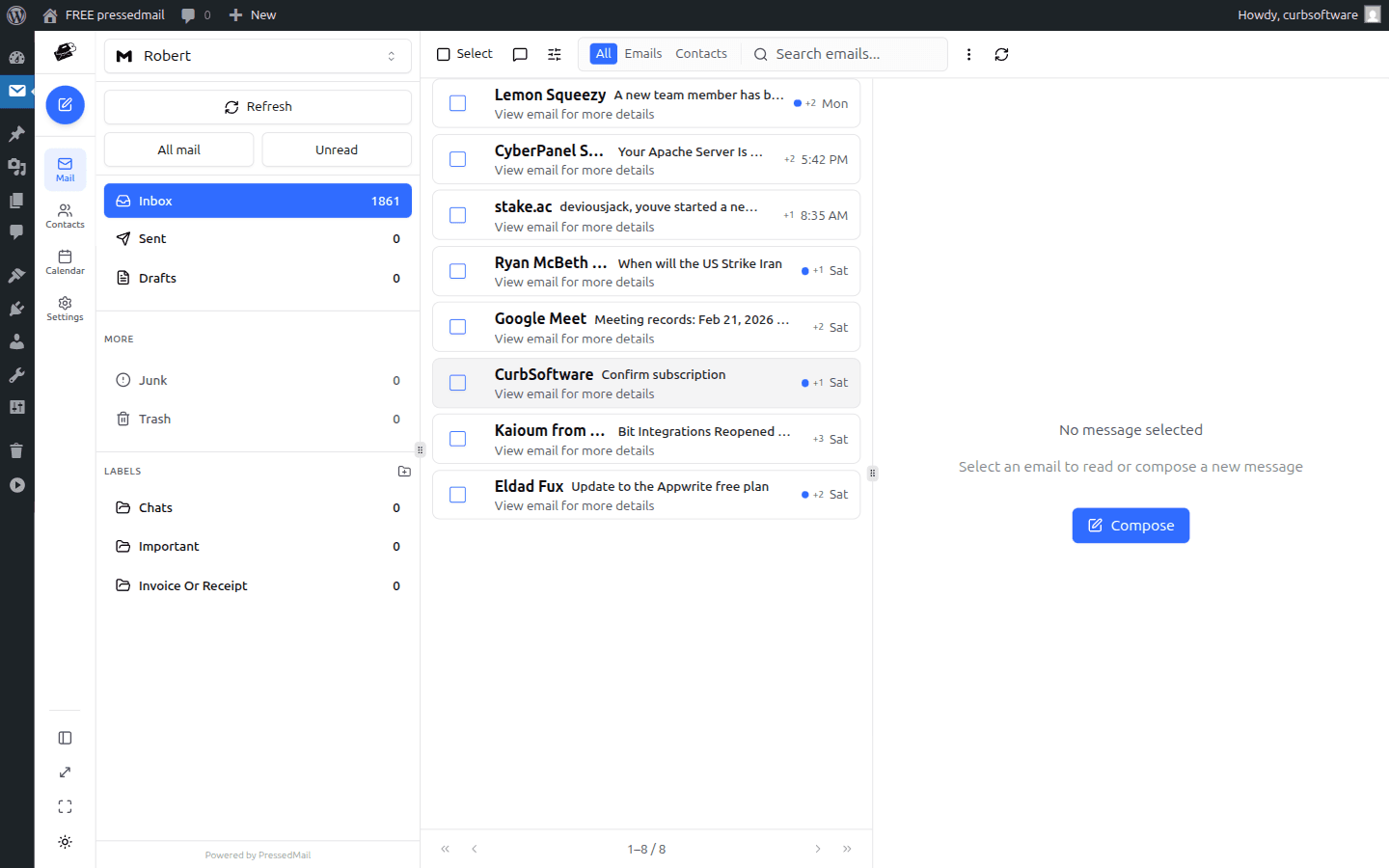
See every connected Notion workspace in one native WordPress dashboard with sync status, content mapping, and no context switching.
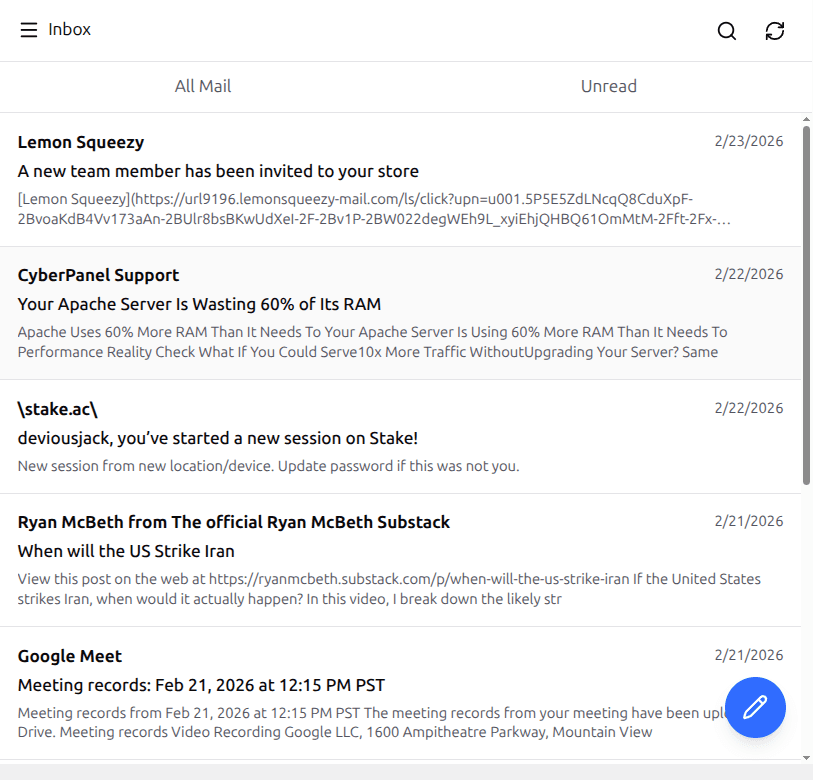
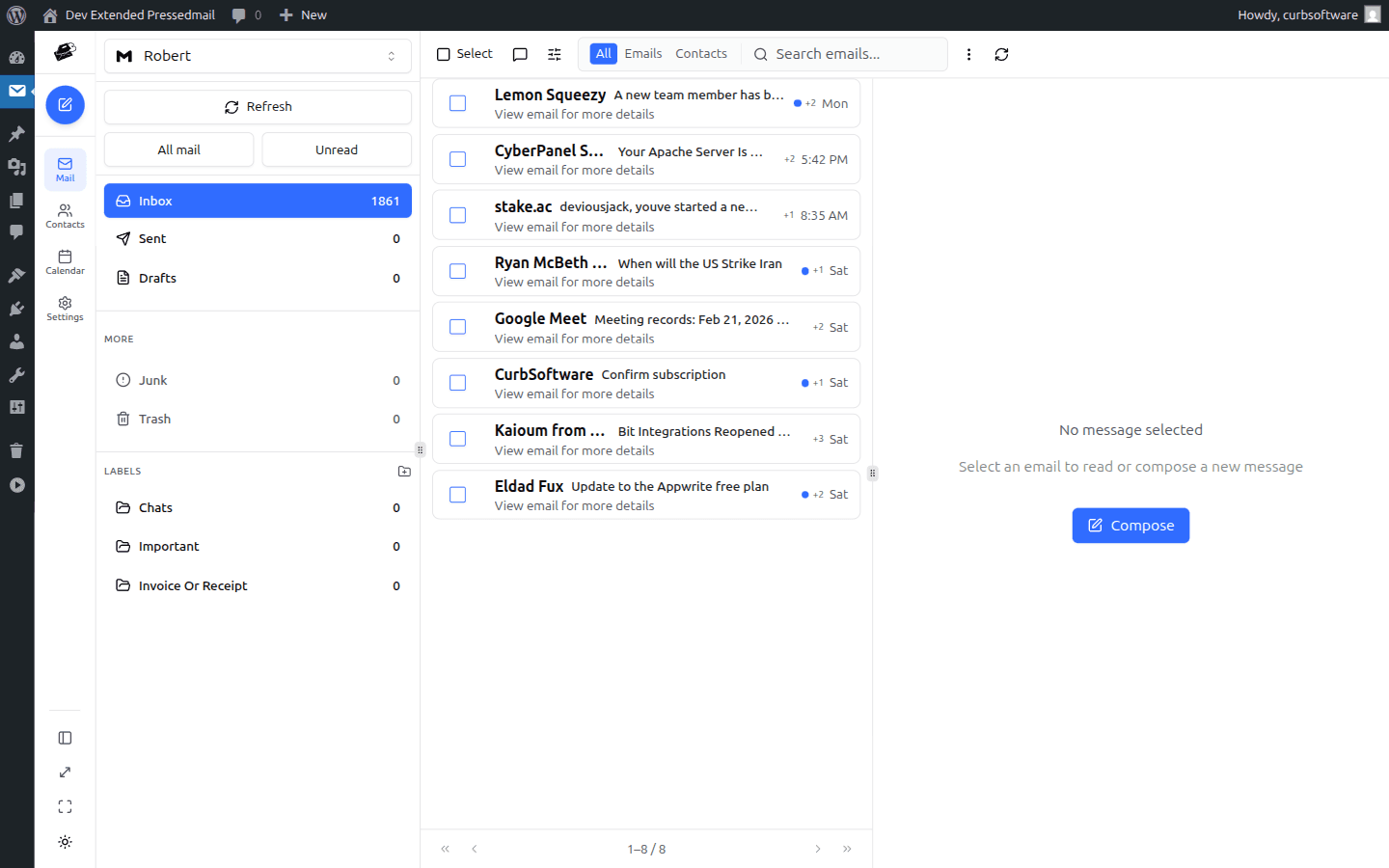
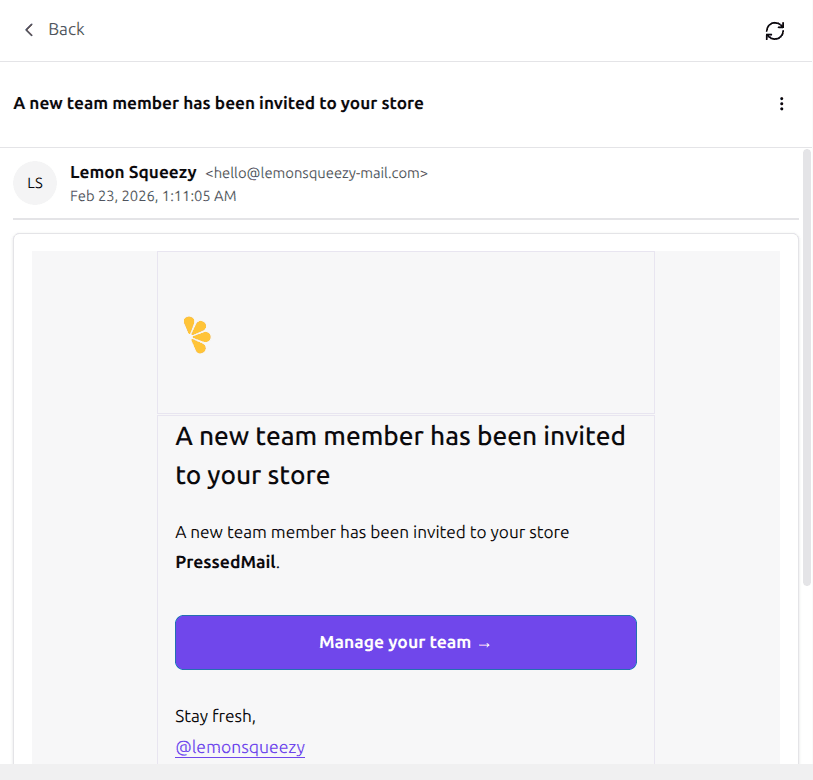
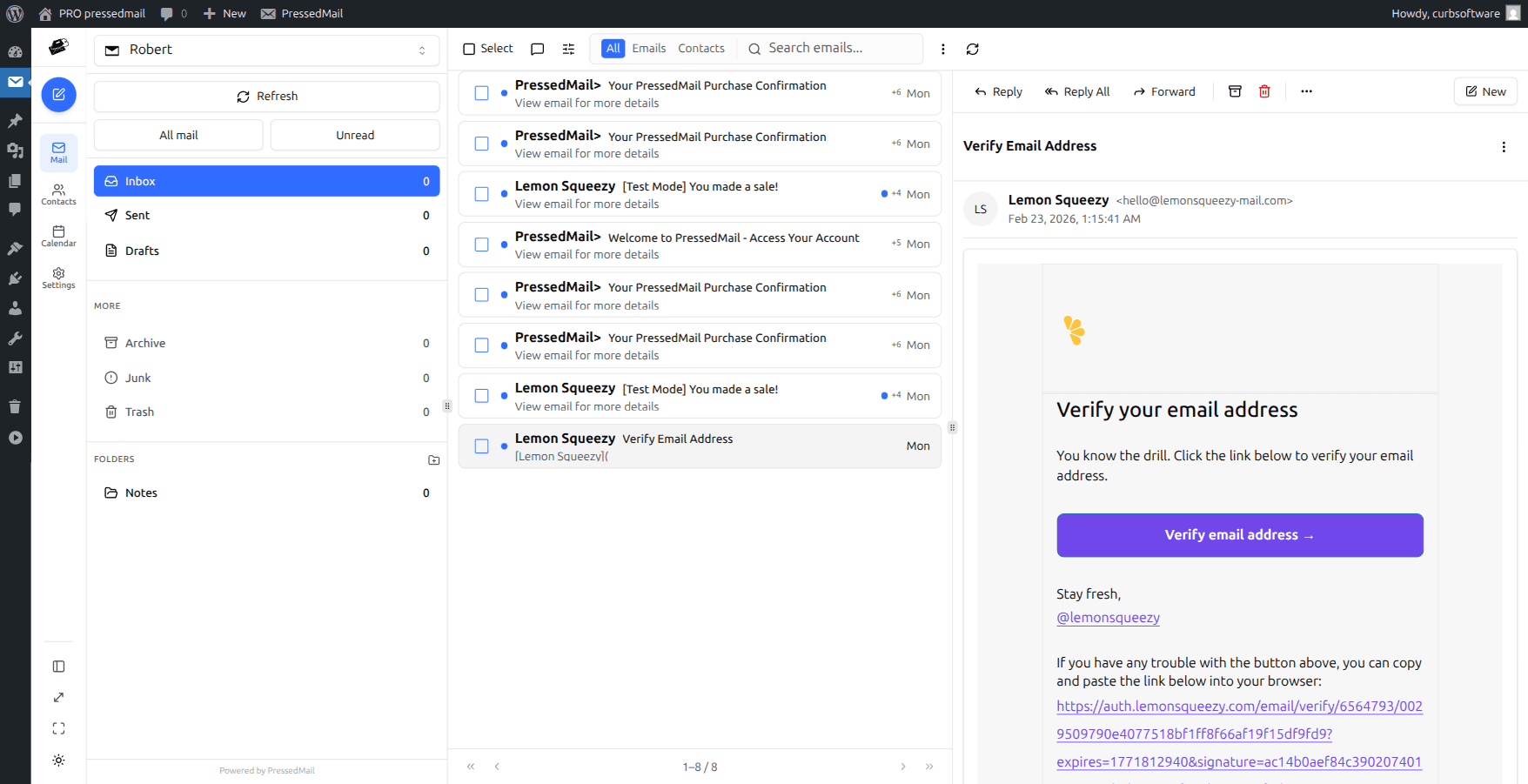
Publish in 4 Clicks
Edit in Notion, sync to WordPress, review the content, and publish. Your Notion workspace stays under your control while speeding up every publishing workflow.
Pages + Posts + Media. Synced.
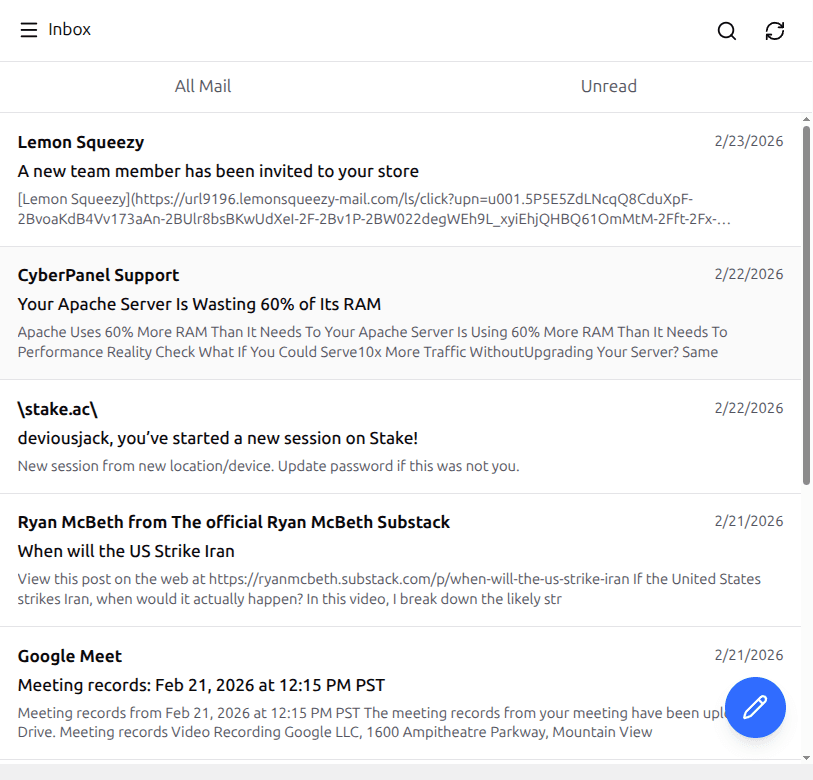
Work in one split workspace: synced content on the left, publishing status on the right, and content mapping below.
Calendar panel
09:30 Client handoff call
13:00 Support triage
16:30 Follow-up reminders
Contact sidebar
Ryan McBeth • Key account
Recent threads: 12
Last touchpoint: 2 days ago
Enterprise-grade controls
Bulletproof Security & Access Control
API key management, role-based access, and secure Notion connections protect every workspace with enterprise-grade controls.
Phishing - Impersonation warning
Sender domain mismatch flagged before reply.
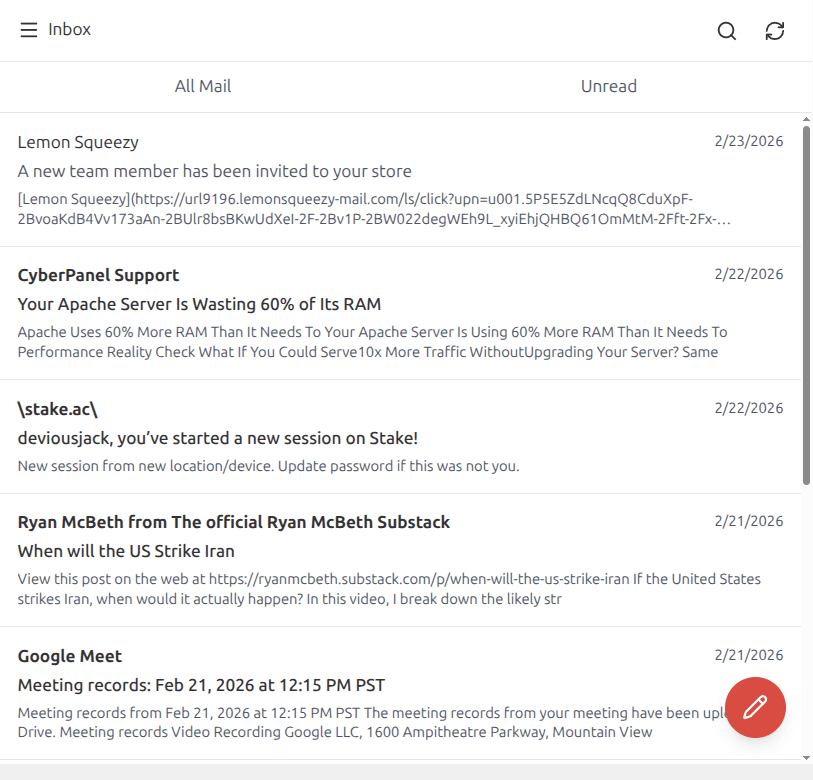
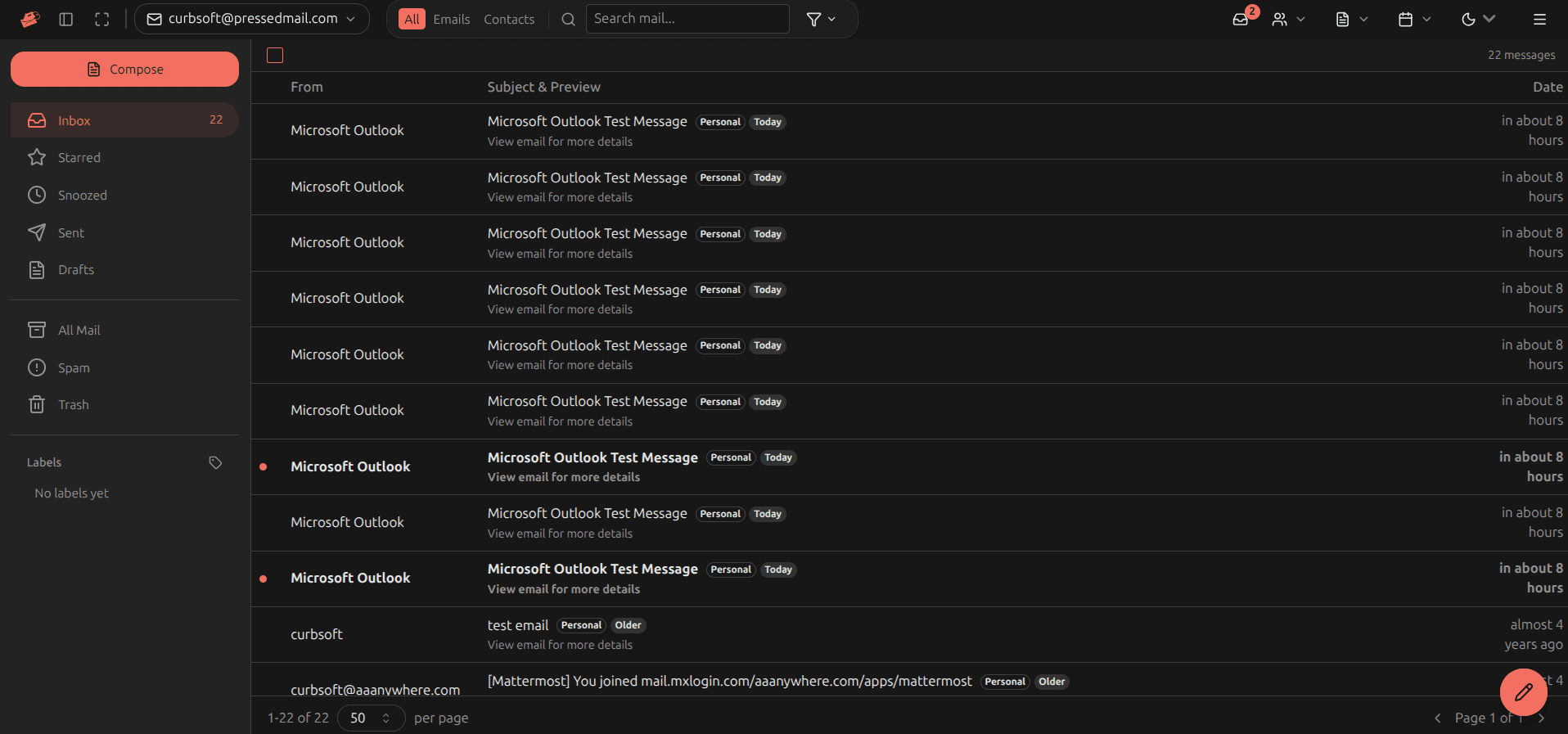
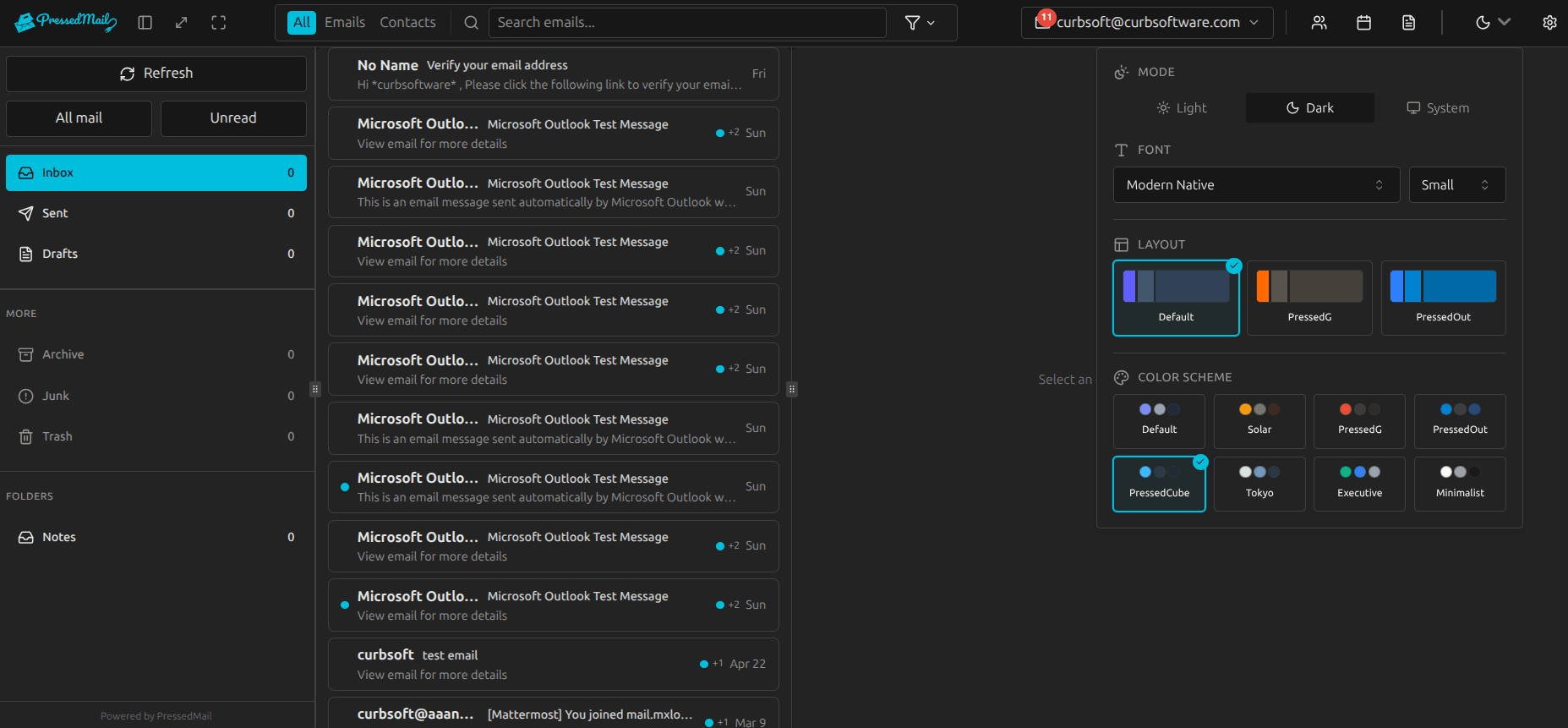
Security settings panel
Theme, identity, and workspace controls in one hardened UI.
Credential encryption status
SMTP and OAuth secrets encrypted at rest and in transit.
Never Leave Your Dashboard
Manage your entire email workflow without ever leaving WordPress. Your inbox, calendar, and contacts—all in one place.
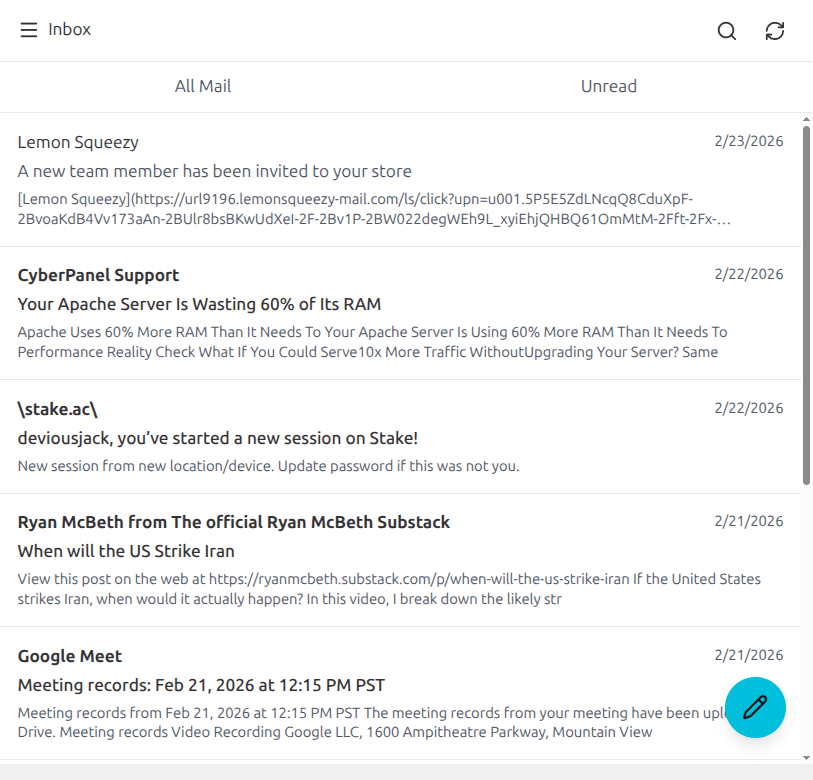
Never leave your dashboard.
Manage Notion content sync, publishing workflows, and content status directly alongside your WordPress data. No tab switching required.
1.0 Content Sync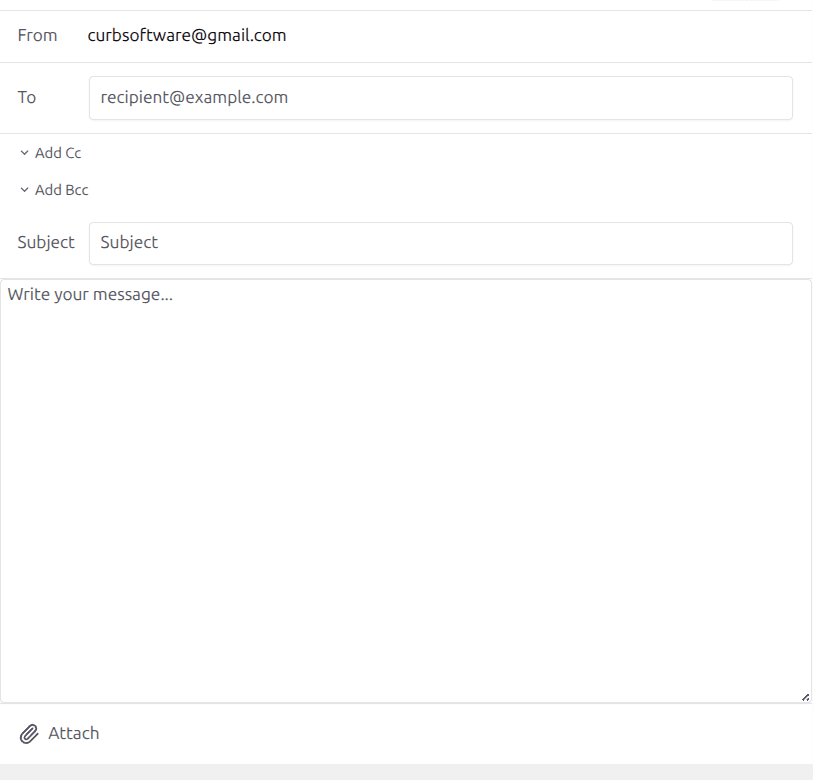
Total Privacy. Lightning Fast.
PressedNotes respects your data sovereignty. We connect directly to the Notion API and never store your content on external servers, ensuring your site remains incredibly fast and your content stays strictly between you and your Notion workspace.
Direct Notion API Connection
No middleman servers. Your content travels directly between Notion and WordPress.
Complete Data Sovereignty
You own your data. We don't read, store, or process your content.
Zero-Bloat Architecture
Engineered to run seamlessly alongside your existing plugins without slowing down wp-admin.
A Workspace Tailored to Your Workflow
Customize your workspace with layout modes, color themes, and full Light/Dark mode support. Whether you prefer a list view or a detailed content view, it works exactly the way you want it to.
2.0 WorkspaceCommand Your Content at a Glance
Instantly view sync status, cross-reference content mappings, and track publishing history without hunting through multiple dashboards.
Jane Doe
WordPress User
Recent Orders
Scale Your Content, Not Your Costs
One plugin. Every feature. Choose your license tier — annual flexibility or lifetime value.
Starter
For solo professionals
- Unlimited Notion pages per site
- Unified multi-workspace dashboard
- Content templates + reusable blocks
- Scheduled publishing
- Content mapping + categorization
- AI assistant (BYOK): content optimization + categorization
- Team publishing workflows
- White-label branding
- Client portal (frontend)
- Shared templates/schedules
Premium
For growing businesses
- Everything in Starter, for up to 10 sites
- Unlimited Notion workspaces per site
- Schedule sync + multi-schedule
- Content mapping + categorization
- Templates + blocks
- AI assistant (BYOK): content optimization + categorization
- Team publishing workflows
- White-label branding
- Client portal (frontend)
- Shared templates/schedules
Ultimate
For agencies and teams
- Everything in Premium, for up to 500 sites
- Team publishing + shared mapping groups
- White-label branding
- Client portal (frontend shortcodes)
- Shared schedules + shared templates
- Priority support
Start free with a secure email download link. Upgrade when you are ready.
Stay in the loop
Get product updates, tips, and early access to new features.
Get notified first
Join WordPress professionals who stay ahead of the curve. No spam, unsubscribe anytime.
Trusted by WordPress Professionals
Here's what WordPress professionals are saying about PressedNotes.
"PressedNotes turned our Notion workspace into a reliable WordPress publishing lane. Writers stay in Notion and our site stays current."
- Nora Whitaker, Editorial Lead at Meridian Systems
"We replaced the weekly content transfer meeting with a dashboard our editors actually use. PressedNotes made publishing feel boring in the best way."
- Eli Brooks, Growth Manager at Clearbitten
"The sync status view is what sold us. We can review drafts, publish approved notes, and know exactly what changed."
- Inez Morales, Documentation Manager at Ridgebeam
"PressedNotes let our product team keep release notes in Notion while marketing publishes them to WordPress without reformatting every update."
- Hannah Klein, Product Marketing at Launchframe
"Setup took one afternoon, not a migration project. The plugin fit our WordPress admin workflow and gave non-technical teammates a clean path to publish."
- Marcus Lee, Systems Consultant at Pagecraft
"We stopped duplicating customer education content across tools. PressedNotes keeps our Notion notes and WordPress resources in sync without adding a new CMS."
- Amelia Ramos, Customer Education at Valeo Cloud
Get Started
Ready to simplify your content workflow?
Request the free version by email, or try Pro risk-free for 30 days.
Help shape the future of WordPress content sync. Join our early adopter program for exclusive perks and direct input on our roadmap.
Recommend PressedNotes and earn commissions on every referral. Share your unique link with your audience and get paid for every customer you bring in.